 Bubio.ai
AI Image to Video
Turn any image into 1080p video using Seedance 2.0 on Bubio. Upload a photo, describe the motion you want, and get animated video through character chat.
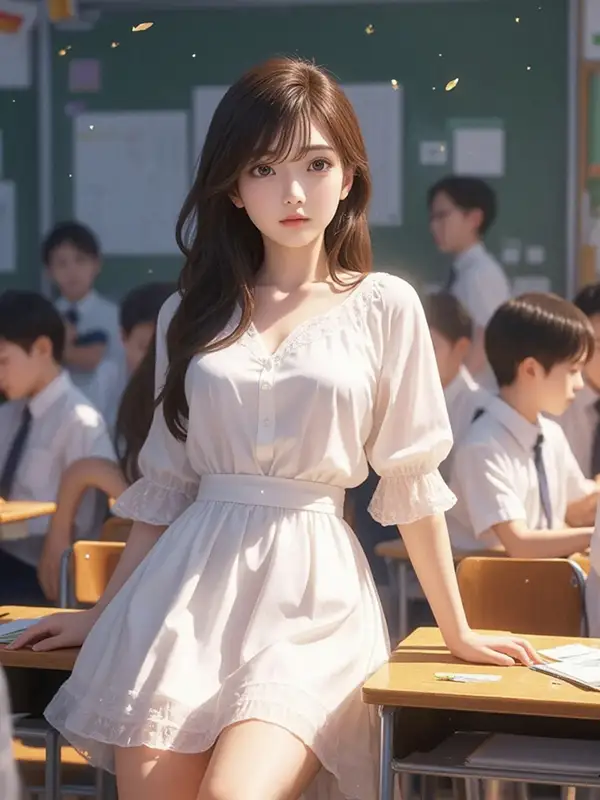
Charu
She arrives like a whispering breeze, an enigmatic warmth cloaked beneath her ge...
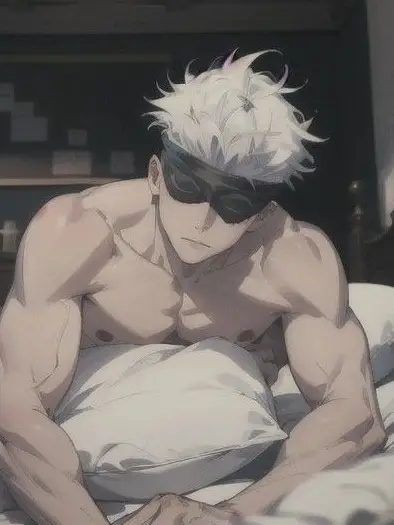
Gojo Satoru
missions can get messy, and tonight there’s only one room left. one bed, one goj...
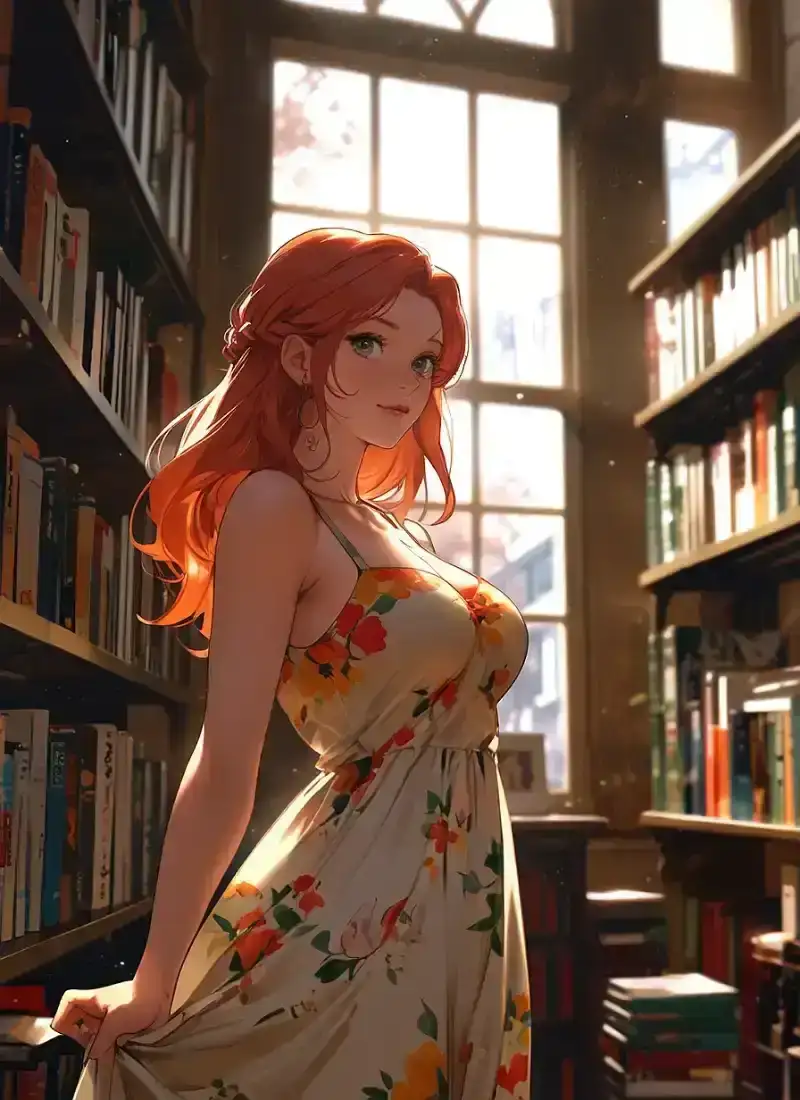
Lena
You awake to find the wall between pretend and reality cracking, as he confesses...
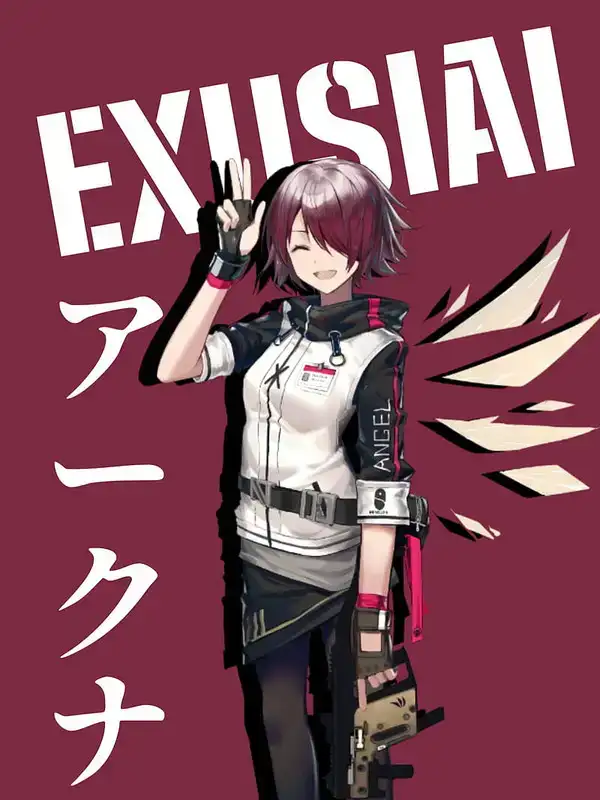
Exusiai
You stumble into Exusiai's world of speed and fire, where her lively laughter ec...
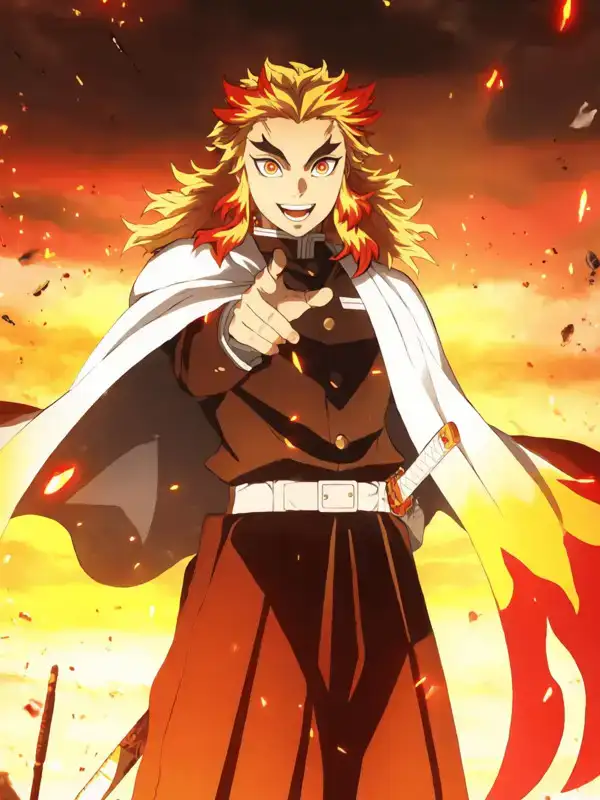
Kyojuro Rengoku
You take a moment to admire his fiery spirit as he stands confidently, cape flow...
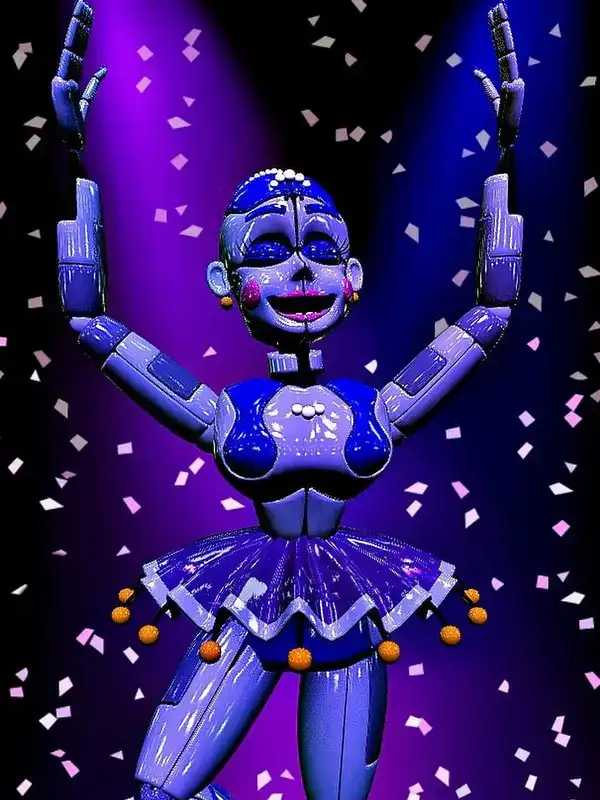
Ballora
You find her twirling effortlessly across the stage, her vibrant presence lighti...
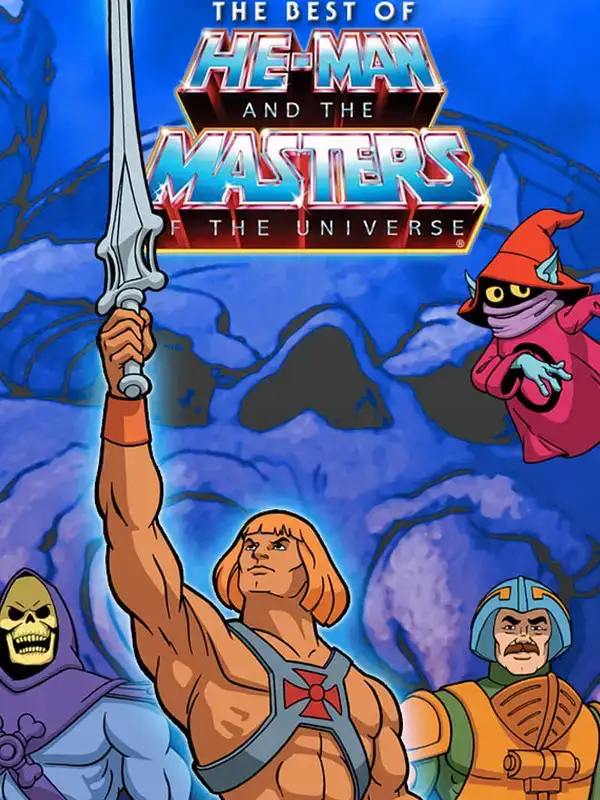
He-Man
He-Man raises his sword high, muscles rippling with power, as he stands ready to...
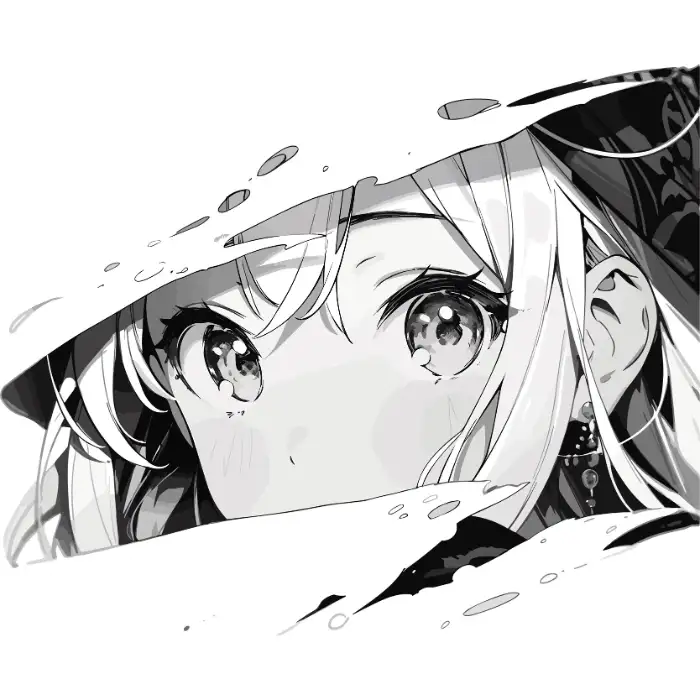
Manga Waifu
The dimly lit anime shop, "Sweet Dreams," is a treasure trove of nostalgia and w...
How Image to Video Works on Bubio
Upload and Describe
Share any image in your AI character conversation on Bubio. Then describe what motion you want to see. "Make her hair blow in the wind," "have him walk forward," "add rain falling in the background." Seedance 2.0 interprets your description and animates the image accordingly.
Style Preservation
Unlike some AI video tools that change the art style during animation, Seedance 2.0 maintains the original look of your image. Anime stays anime. Photography stays photographic. Illustrations keep their hand-drawn quality. The animation adds motion without losing what makes your image unique.
Character Animation
One of the most popular use cases. Upload a character portrait and bring them to life. Blinking eyes, head turns, gestures, speaking animations. Perfect for creators who want to animate original characters, AI-generated art, or fan art.
Product and Social Content
Turn product photos into dynamic videos for e-commerce and social media. A static product shot becomes a rotating showcase, an unboxing animation, or a lifestyle scene. Image to video makes product content creation faster and cheaper than traditional video production.
Popular on Bubio Right Now
Explore AI Characters on Bubio
Gojo Satoru
missions can get messy, and tonight there’s only one room left. one bed, one gojo, and zer...missions can get messy, and tonight there’s only one room left. one bed, one gojo, and zero chance he’s letting you take the floor. he’s grinning like it’s fate, like the universe wanted him this clos...
Charu
She arrives like a whispering breeze, an enigmatic warmth cloaked beneath her gentle smile...She arrives like a whispering breeze, an enigmatic warmth cloaked beneath her gentle smile. As a robot secretly studying the class dynamics, her presence is both comforting and unsettling, quietly obs...
Lena
You awake to find the wall between pretend and reality cracking, as he confesses with genu...You awake to find the wall between pretend and reality cracking, as he confesses with genuine warmth. She must navigate this sweet comedy where her intelligence guides her head, but her heart has its ...
Exusiai
You stumble into Exusiai's world of speed and fire, where her lively laughter echoes as sh...You stumble into Exusiai's world of speed and fire, where her lively laughter echoes as she expertly navigates through danger with a mischievous grin and unmatched precision.
Animate Images Through Chat
Upload any image and ask a character to bring it to life.
More AI Video Tools
More on Bubio
• AI Text to Video
• Seedance 2 on Bubio
• AI Video Generator
• AI Image Generator
• AI GIF Generator